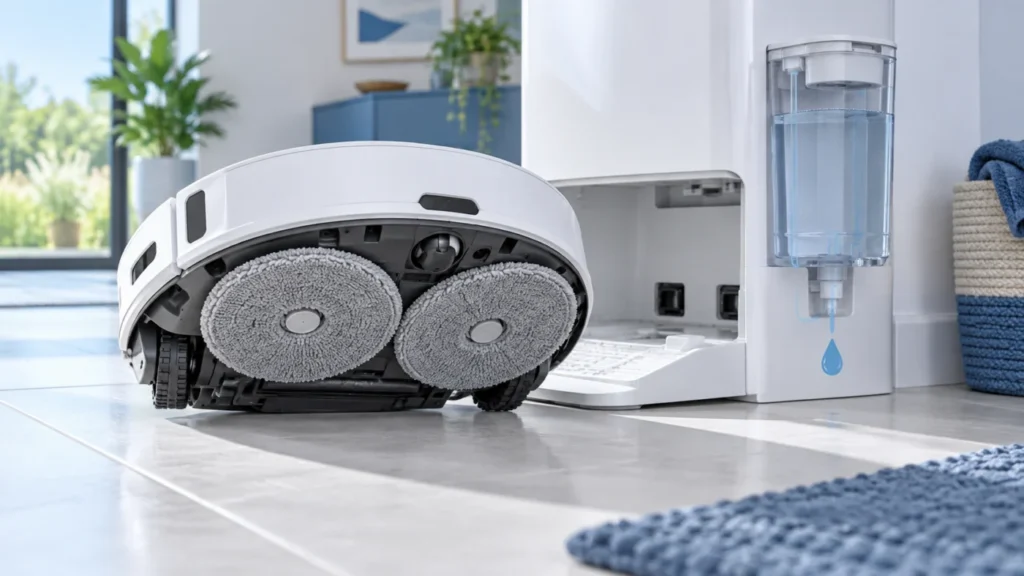
Begin with the quick checks. Stop if a step requires tools or experience you do not have.
Why the mop pads are not getting wet
The most common causes are an incorrectly installed clean-water tank, a blocked filter, air in the water path, dirty dock contacts or a software setting that prevents water dispensing.
Quick checks
- Confirm that the clean-water tank contains fresh water.
- Remove the tank and install it again until it sits firmly.
- Check that mopping mode and water flow are enabled in the Roborock application.
- Clean the dock tray and the water outlets.
- Restart the robot and begin a short mopping cycle.
Check the clean-water tank
Inspect the tank cap, valve and filter. A valve that does not move freely can prevent water from entering the dock. Rinse removable filters with clean water and allow them to drain before reinstalling.
Inspect the dock tray
Remove hair, detergent residue and mineral deposits from the tray. Make sure the small water channels are open. Do not push sharp objects deep into valves or hoses.
Run a controlled test
Install the robot on the dock, select a normal water level and start mop washing. Listen for the pump and check whether water enters the tray. If the pump runs but no water appears, repeat the tank and filter checks.
When professional service is needed
Contact service support if the pump remains silent, water leaks inside the dock, an error code returns after restart or the problem began after physical damage.